
If you experience an issue logging into PCA and receive a message that asys "No valid credentials provided" you can turn off Single Sign On to regain the ability to log in.
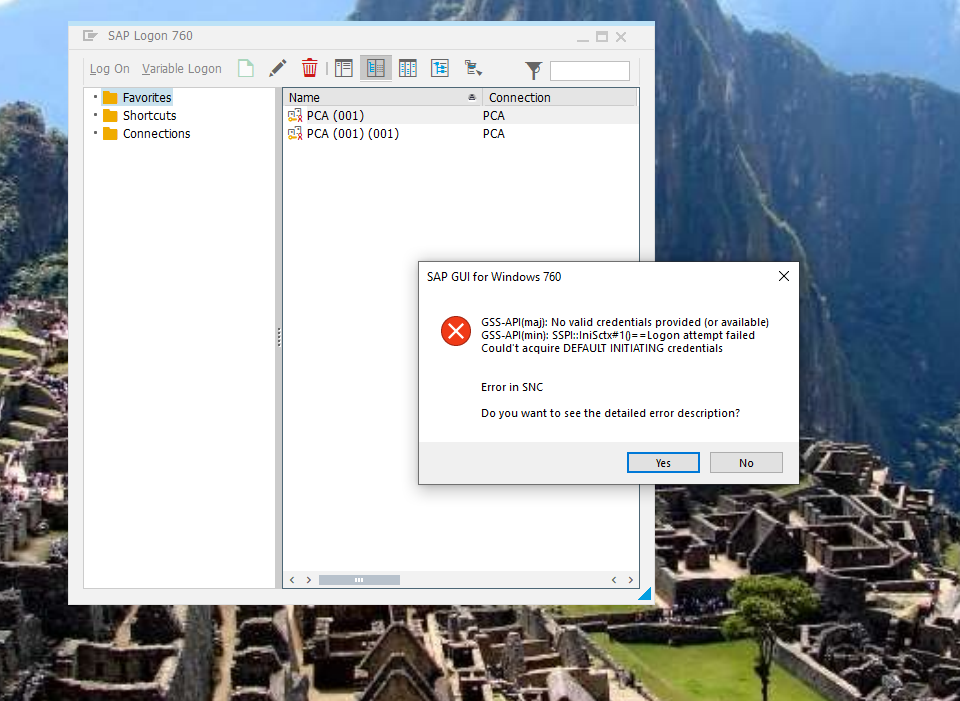
The steps below describe the process of turning off Single Sign On for PCA:
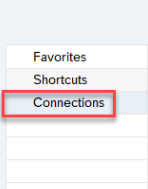
- Click Connections on the left side of SAP
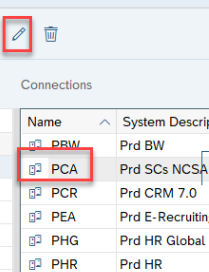
-Select PCA and then click the Pencil icon at the top of the window
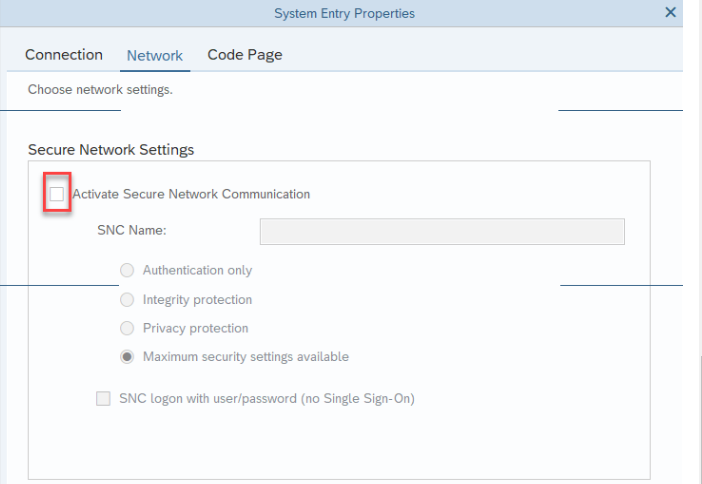
-In the window that appears, click Network. Then, uncheck the box next to "Activate Secure Network Communications."
Comments
0 comments
Please sign in to leave a comment.