
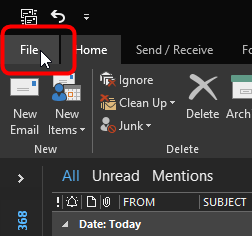
1. Click File in the top left of Outlook
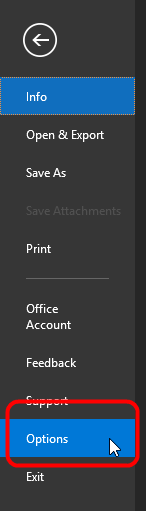
2. Click Options
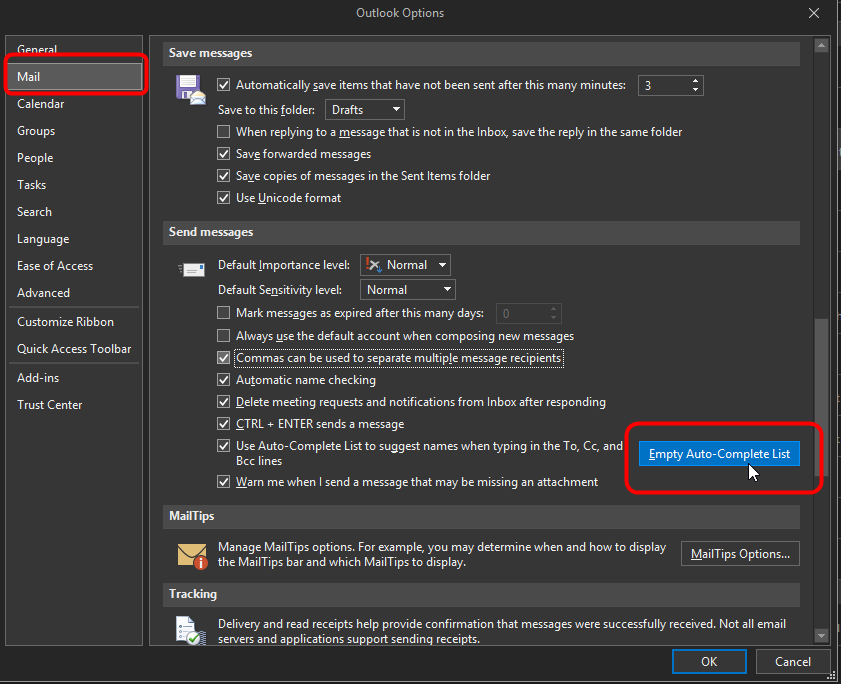
3. Click Mail on the left side and then scroll down and click Auto-Complete List
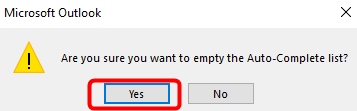
4. Click Yes in the window that appears
5. Close Outlook completely and then re-open. You will now be able to send to the group.
Comments
0 comments
Please sign in to leave a comment.