
After an Office 365 update in mid-2018, Outlook changed its default to show a Focused inbox.
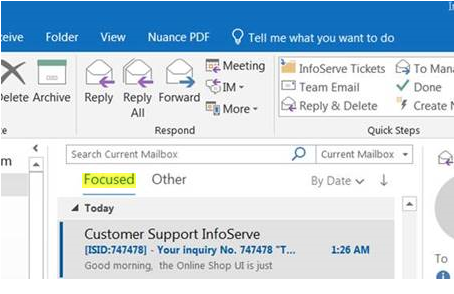
This caused email to be sorted in a non-useful way and important emails were going to the Other folder.
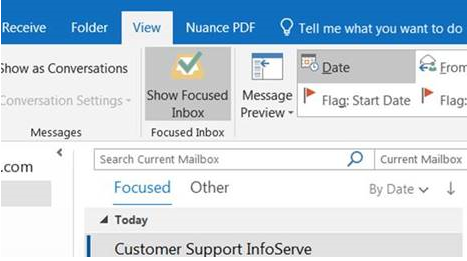
To turn this feature off, click on the View tab at the top and click on the Show Focused Inbox button to turn it off.
Comments
0 comments
Please sign in to leave a comment.